


New
Turn Your DMs Into Lead Gen!
Learn how to collect lead data from your DMs such as email addresses, phone numbers, and more right from your social inbox. If you are not yet automating your DMs your competitors are outpacing you.


How Something Social Saved 75% of Their Time and Increased Revenue by 15%
See how a fast-growing agency improved operations, cut down hours of manual work, and unlocked new revenue opportunities with Vista Social.


New

50 Unique Social Media Ideas for Consistent Content Creation
Discover 50 unique social media post ideas to engage your audience, grow your brand, and maintain a consistent content strategy with ease!
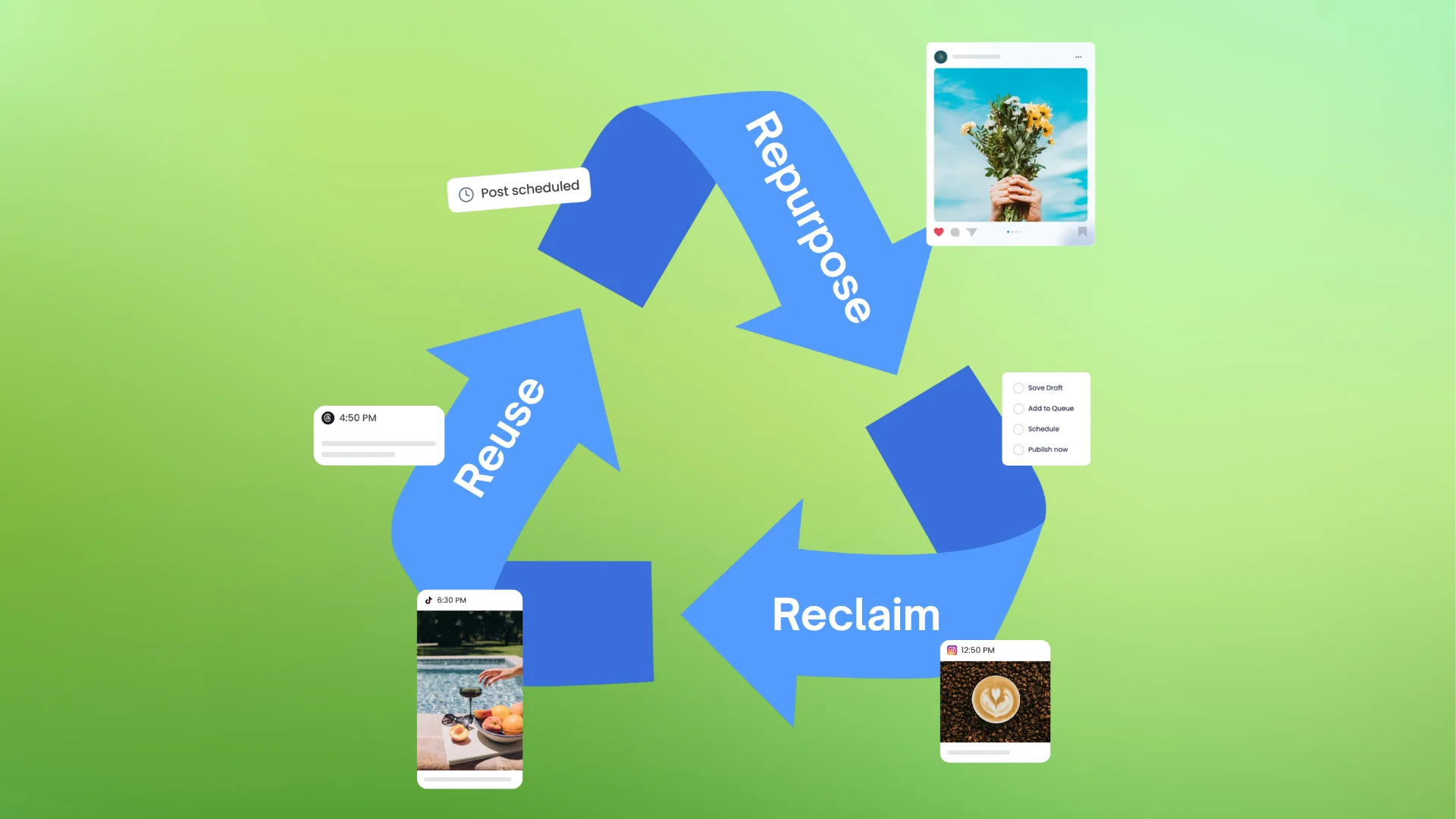
Mastering Content Reuse: The Key to a Consistent and Sustainable Posting Strategy

Published on March 12, 2024
5 min to read
How to Get Followers on Facebook: Proven & Easy Ways

Summarize with AI

Summarize with AI

ChatGPT

Claude

Perplexity
Share

Vista Social

X (Twitter)


Table of contents
Summarize with AI
ChatGPT
Claude
Perplexity
Share
Vista Social
X (Twitter)
Mastering how to get followers on Facebook should be at the top of your agency’s checklist.
After all, Facebook continues to house billions of monthly active users. With that many users, you can bet your family jewels that your existing and future clients are most likely on the platform.
If you fail to reach them because they aren’t your followers, you lose the opportunity to build relationships and market to them on Facebook. That’s a big handicap for you, especially since your competitors are most likely winning your potential customers over on Facebook.
And so the question becomes… How exactly can you get more followers? That’s what this guide is all about.
Table of contents
How to get followers on Facebook
Spur your client’s Facebook follower growth using the strategies below.
1. Tailor your Facebook content strategy to your target audience
High-performing social media strategies are like pants; they need to fit the person they’re intended for. That’s why your Facebook content should be tailored to the followers you want to attract.
Consider these pointers:
- Open the Professional Dashboard: Go to Insights → Audience to access demographics and audience-behavior data. Meta has centralized Page analytics here after retiring older stand-alone tabs, but the depth of available metrics may vary by Page.
- Use the Benchmarking section: Open the Professional Dashboard to compare your Page’s performance with broader industry categories. Meta removed automatic competitor suggestions, so benchmarking now focuses on category-level comparisons instead of specific Pages.
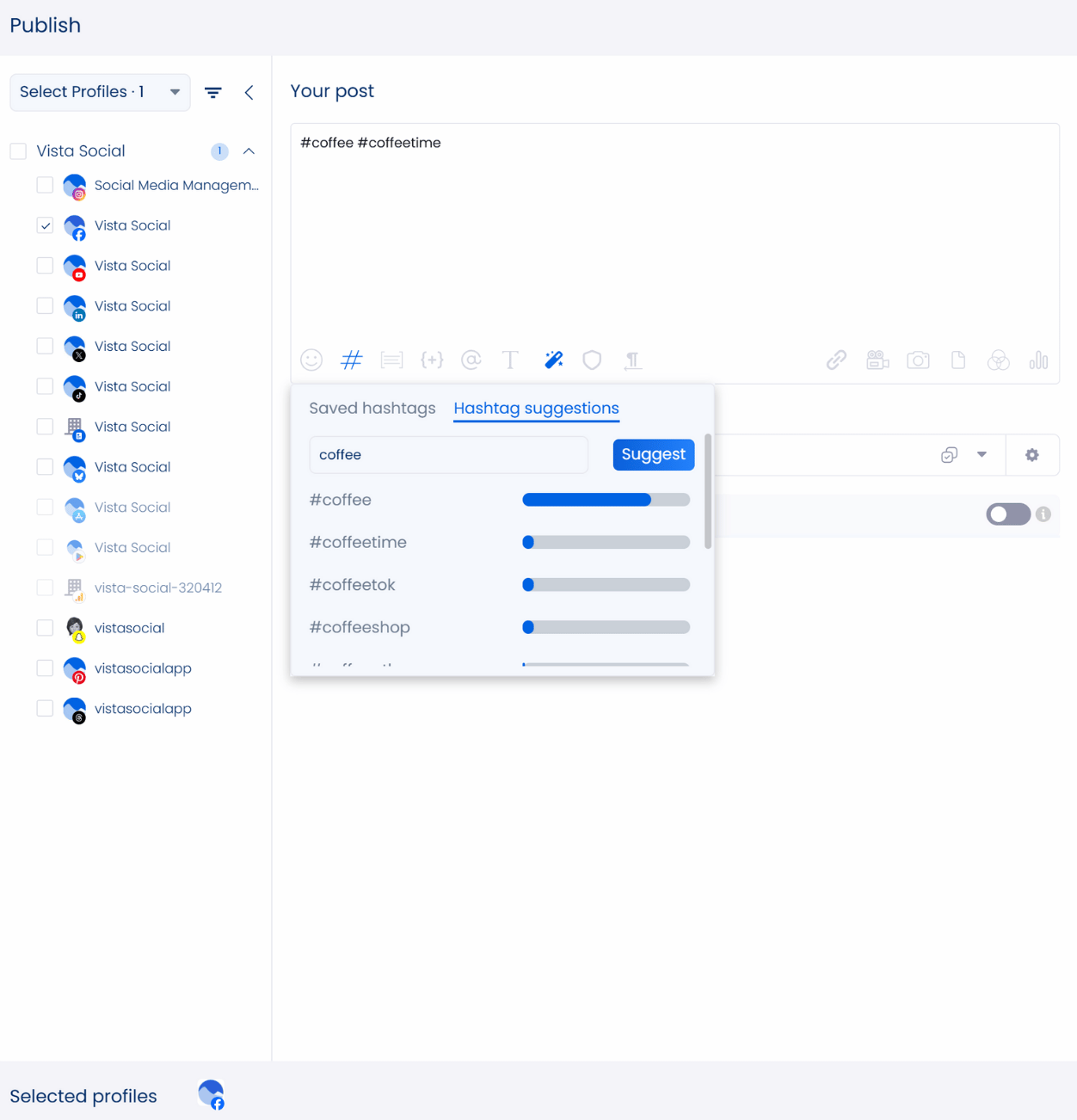
- Explore Meta’s core recommendation signals: Facebook now leans heavily on interest patterns, content interactions, and user behavior when surfacing content. Relying on topic-based tools or tags is no longer as effective for discoverability.
2. Optimize your Facebook page
Now that you understand your target audience, the next step is refining your client’s Facebook page so it attracts the people you want to reach. A well-optimized page helps visitors quickly understand what the brand offers and why that message connects with them.
Looking at competitor pages can give you helpful direction, but don’t stop there. Bring your client’s brand identity to the front so the page feels authentic and true to their voice. This makes the page easier to trust and more inviting for new followers.
Let’s make it simple by focusing on one thing at a time:
- Use the official name: Set up the Page with your client’s business name. You can request a custom username, but Meta may auto-assign one if the name is taken. If needed, submit a rename request for approval.
- Only use professional media: Whatever you do, avoid using stock photos as your client’s profile picture or cover image on Facebook. Use your client’s logo, face, or custom banner with informative elements to show users that you’re the real deal.
- Share accurate business information: Use your client’s updated website URL, contact information, business address, and category. Highlight what you do and why it matters to your audience.
- Edit the Action Button from your Page header: click ‘Edit Action Button’ and choose the option that fits your goal, such as Sign Up, Book Now, or View Shop. The setup now lives on the main Page interface instead of Page Settings.
- Add keywords to the right places: Use keywords to help your client’s page appear more often in Facebook search results. Add them to sections where they feel natural and support the overall message.
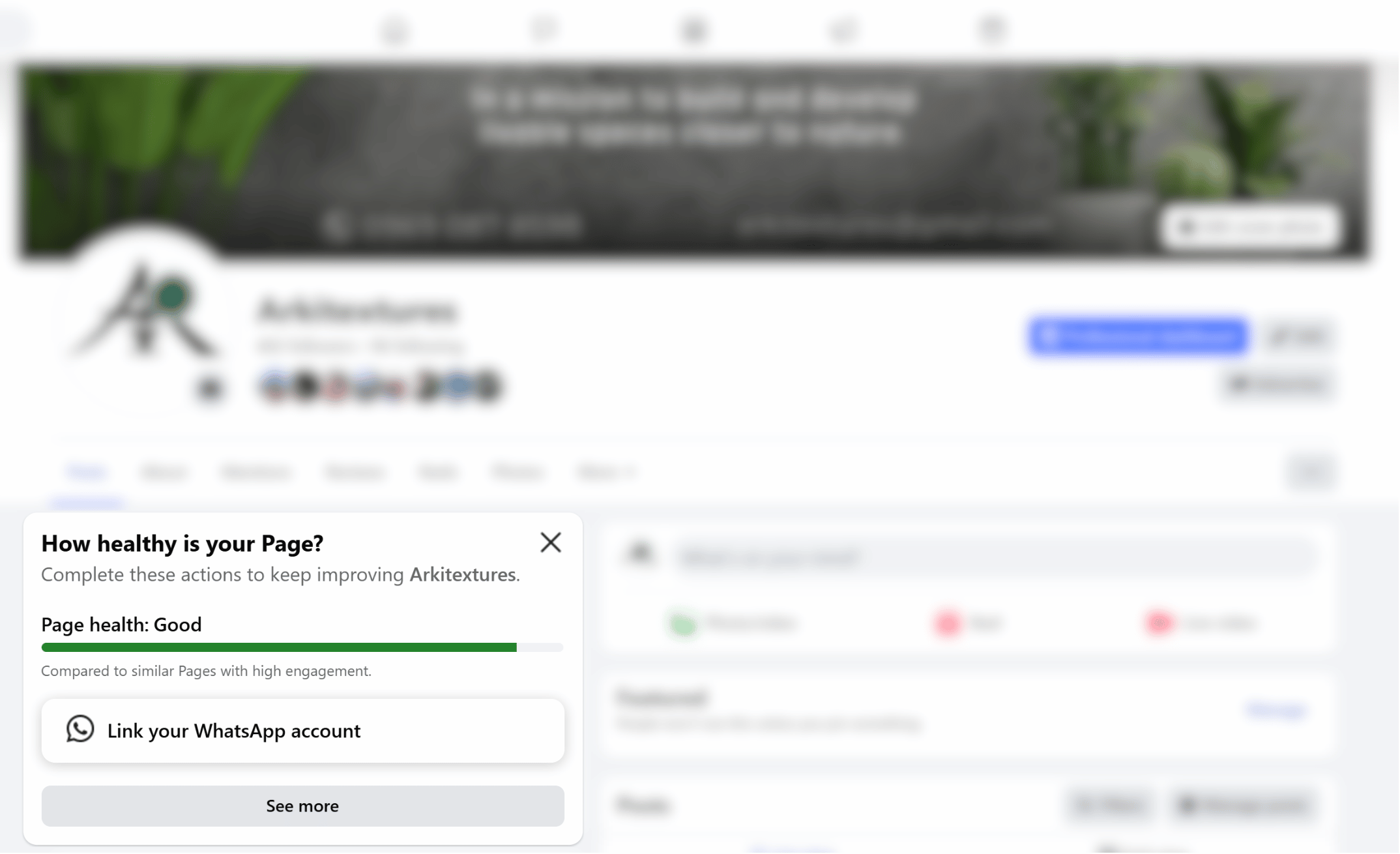
As a general rule, check your Professional Dashboard for health indicators and status alerts to ensure everything is set up correctly.
3. Engage and build your community
You can’t generate followers on Facebook if you only use your client’s page as a content distribution channel. Sometimes, you need to make the first move rather than wait for your viewers and followers to come.
Instead of waiting for your engagement numbers to increase, go out there and get involved in Facebook groups while adding your perspective to ongoing conversations.
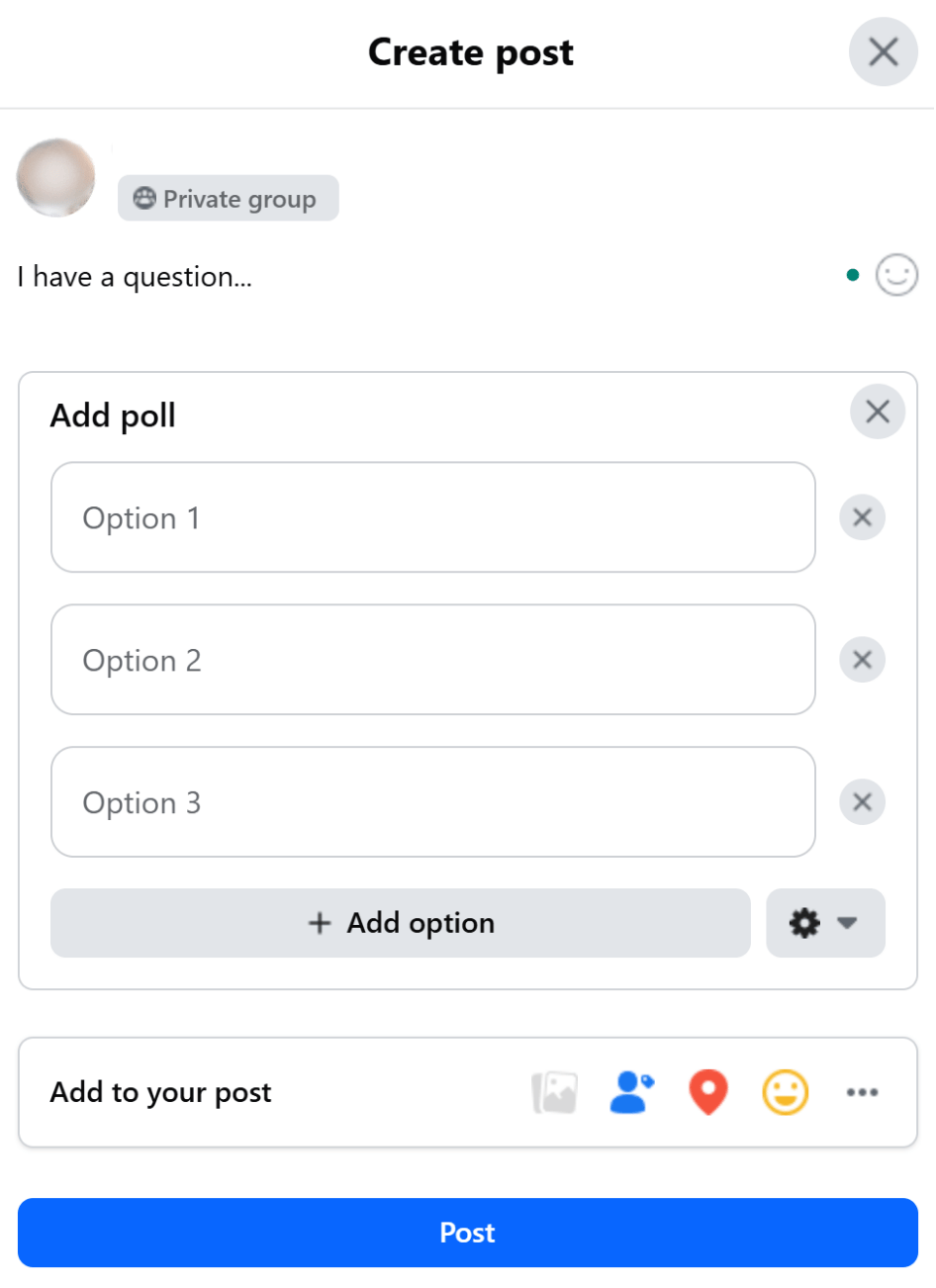
If your client wants to create Facebook polls, they can do so inside Facebook Groups. Meta has removed the Poll sticker from Stories, and while some regions may offer limited polling tools on Facebook Reels, these options are not widely available or consistent across all Pages.
Below are other ideas you can try to help clients engage their audience:
- Run social media contests (caption contests, giveaways, etc.)
- Go live for a virtual Q&A session
- Write a first comment in each post to start conversations
- Build a group dedicated to helping leads and customers
4. Establish a consistent publishing schedule
Facebook followers return when they know your client will continue showing up with valuable content. That is why maintaining a steady posting rhythm matters. A predictable schedule helps more people see your client’s updates and gradually strengthens follower growth.
Publishing original content is always helpful, but you do not have to rely on that alone to keep the page active. You can use RSS feeds to automatically post to a Facebook Page (for example, with Zapier or a social media scheduler). However, because automated posts often trigger lower reach or spam-type filtering, it’s best first to import and manually review/approve items before posting to safeguard delivery and engagement.”
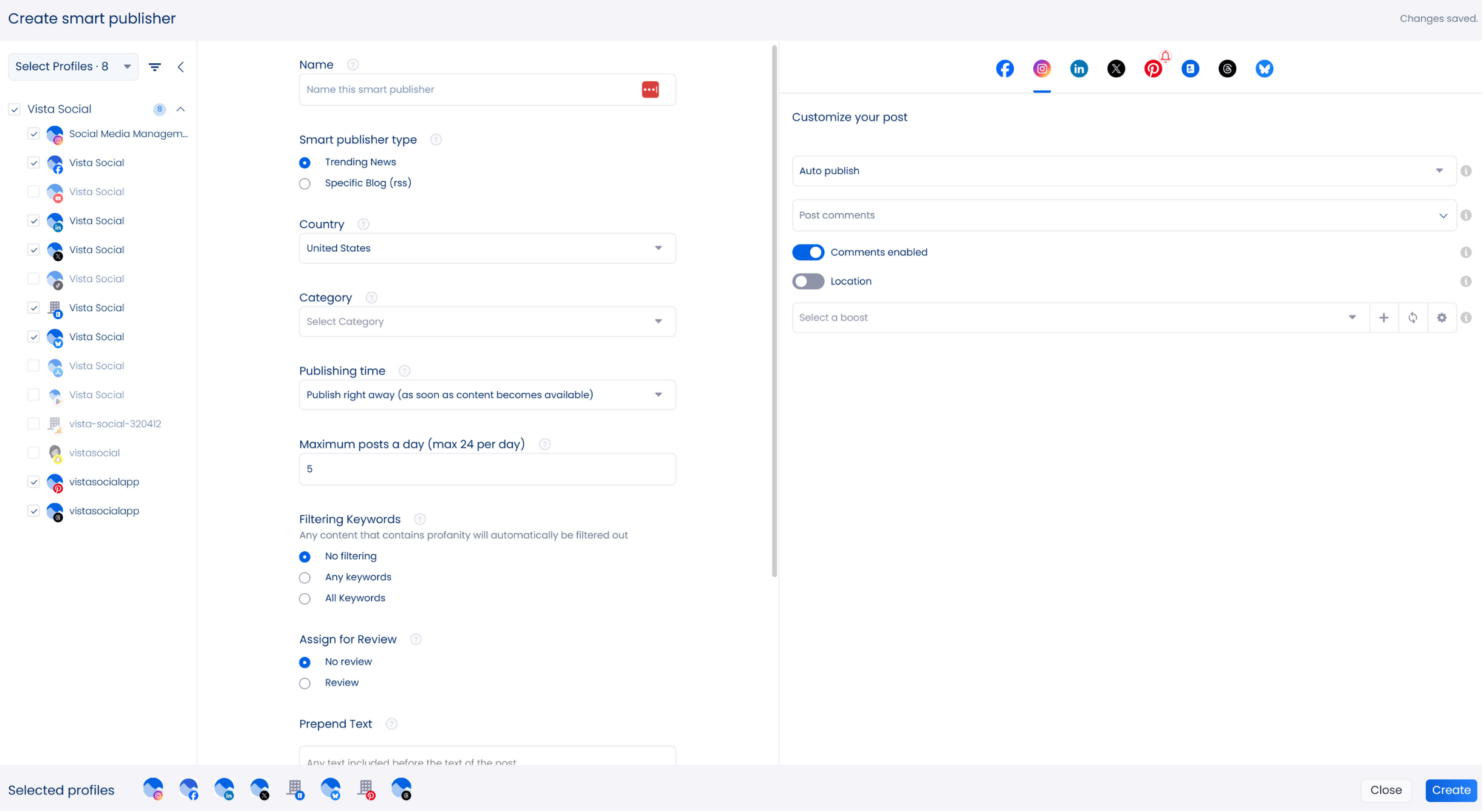
Vista Social’s content suggestions can also help you fill the calendar with posts that stay aligned with your client’s voice.
5. Cross-promote across multiple channels
Your client’s brand is not just their Facebook page. In fact, there’s a good chance they also have a presence on Instagram, YouTube, and LinkedIn. Use their presence in these channels to promote their Facebook page and grow their follower base.
If you can, build specialized content for certain channels. Make the most out of cross-promotions by learning (or relearning) important Instagram, YouTube, and Facebook post formatting practices.
Here are a few examples:
- Using the correct Instagram Reels dimensions
- Adding custom thumbnails to YouTube Shorts
- Breaking up text into paragraphs on Facebook
In certain cases, a client may mistakenly link their business account with their personal account on different platforms. Be sure to learn how to unlink Facebook and Instagram or any other platform pairs to fix such issues.
6. Run an advertising campaign
Growing your client’s Facebook following organically takes time. And unfortunately for agencies, not all clients understand this. That’s why Facebook advertising should be in every agency’s toolbox.
Unlike regular, organic posts, Facebook ads can put your client’s business in front of customers within hours, helping your client’s Facebook page gain instant traction.
Powered by Meta, Facebook ads can give you what you need to run cost-effective campaigns. You can choose who should see your client’s message and review the outcome inside Ads Manager without relying on outside platforms.
Step up your Facebook marketing with Vista Social
Here’s one last tip: if you’re serious about winning followers for your clients, arm yourself with an advanced, all-around social media management platform like Vista Social.
Check out the Vista Social key features that our users love:
- Create microsites and landing pages for your business
- Use AI to generate captivating captions or blurbs for your posts
- Set an automated publishing calendar
- Set up AI-assisted replies to messages
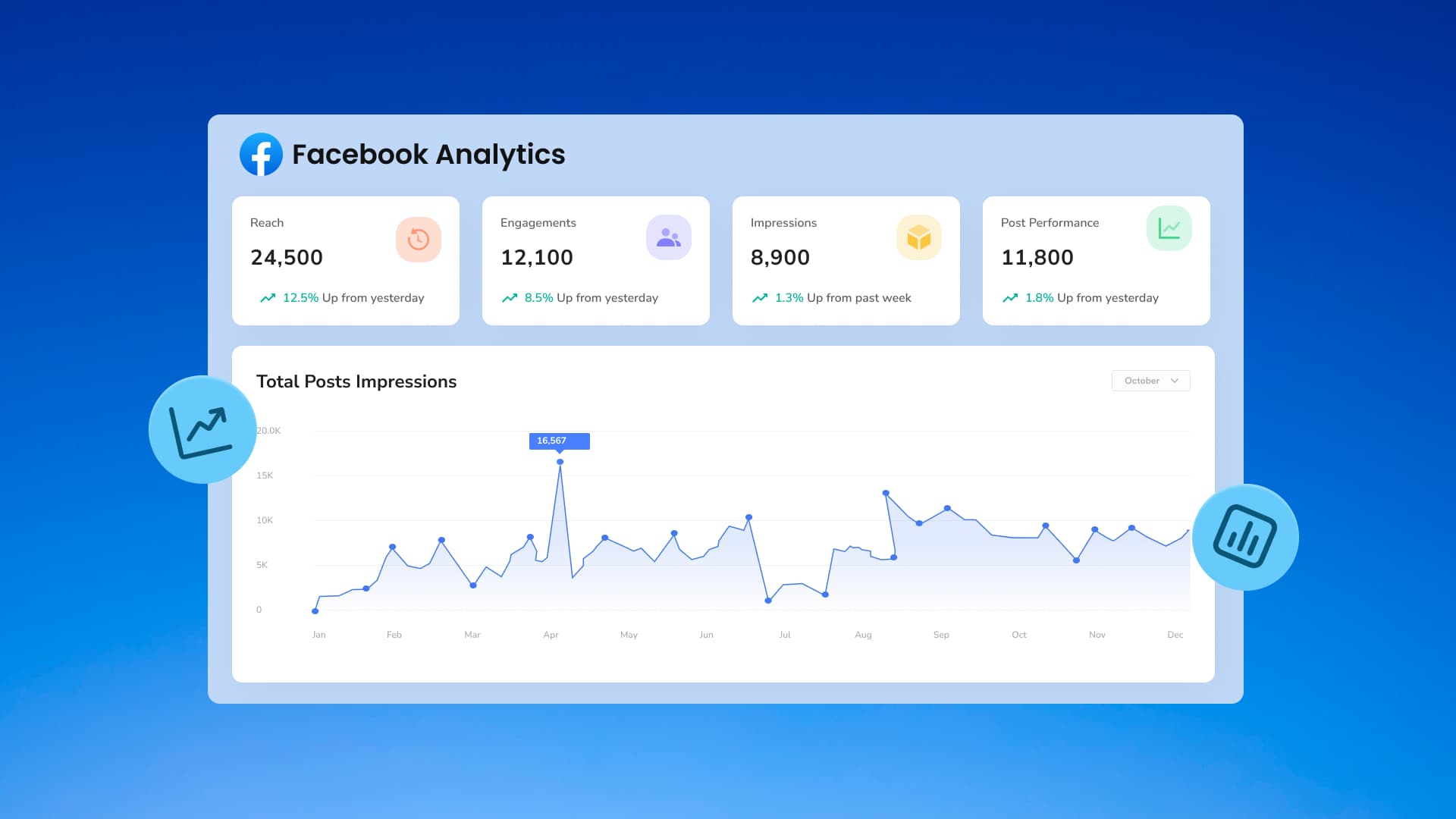
- Advanced reporting and analytics
- Etc.
Create a free trial account here and see your social media marketing campaigns generate stunning results!
Frequently Asked Questions
How can I get Facebook followers fast?
Running Facebook ads can help your client gain followers overnight. But if you want top-quality followers who are more likely to convert and stay long-term, you shouldn’t forget about organic social media marketing strategies.
Why are my Facebook followers not showing?
If your client’s follower count isn’t visible, it may be due to Page type limitations or temporary visibility changes imposed by Meta. Check the Professional Dashboard for account status updates or restrictions that could affect how follower information is displayed.
What is the difference between friends and followers on Facebook?
Facebook friends are connections that you create via friend requests. Followers, however, can “subscribe” to your Facebook updates without needing your manual approval.
Try Vista Social for free
A social media management platform that actually helps you grow with easy-to-use content planning, scheduling, engagement and analytics tools.
Get Started NowAbout the Author

Content Writer
Jimmy Rodela is a social media and content marketing consultant with over 9 years of experience, with work appearing on sites such as Business.com, Yahoo, SEMRush, and SearchEnginePeople. He specializes in social media, content marketing, SaaS, small business strategy, marketing automation, and content development.
Read with AI
Save time reading this article using your favorite AI tool
Summarize with AI
Never Miss a Trend
Our newsletter is packed with the hottest posts and latest news in social media.



You have many things to do.
Let us help you with social media.
Use our free plan to build momentum for your social media presence.
Or skip ahead and try our paid plan to scale your social media efforts.
P.S. It will be a piece of cake 🍰 with Vista Social
Subscribe to our Newsletter!
To stay updated on the latest and greatest Social Media news. We promise not to spam you!
Enjoyed the Blog?
Hear More on Our Podcast!
Dive deeper into the conversation with industry insights & real stories.



Tools
PublishingAnalyticsEngagementIntegrations
FacebookInstagramLinkedInRedditSnapchatThreadsTikTokX (Twitter)YouTubeBlueskyVista Page (link-in-bio)All IntegrationsCopyright © 2026 Vista Social LLC. All Rights Reserved.