


The Best Unified Social Media Inbox: Can I Manage All Social Media in One Place?
October 24, 2023
5 min read

Summarize with AI


Table of contents
Share

Vista Social

X (Twitter)


When customers have a question or issue, they’re not sending emails—they’re hitting you up on social media. That’s why the best unified social media inbox is no longer a ‘nice-to-have,’ but a ‘must-have.’
Sure, basic inboxes can manage your messages, but what about marking spam from the pesky bot accounts or prioritizing urgent customer issues?
Enter: The best unified social media inbox—designed by Vista Social to not just manage, but elevate your community management game.
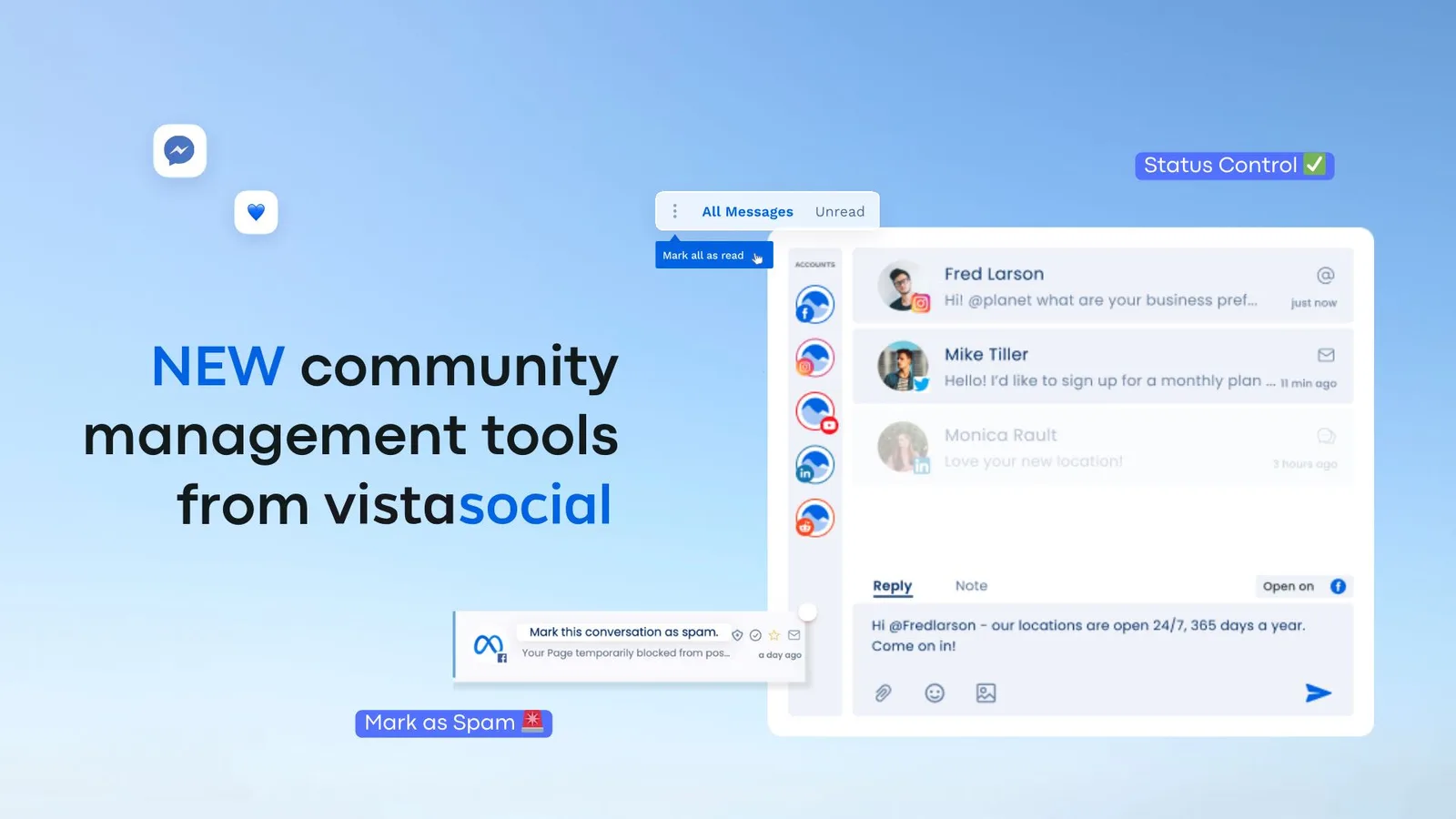
In this article, we’re breaking down what a unified inbox offers, why it’s a game-changer, and how Vista Social can tailor it to your brand’s needs.
Table of contents
What is a unified social media inbox?
A unified social media inbox is a centralized hub where brands can manage all their social interactions across multiple platforms in one place.
From customer queries to marking spam and prioritizing issues, this inbox consolidates everything you need for stellar community management.
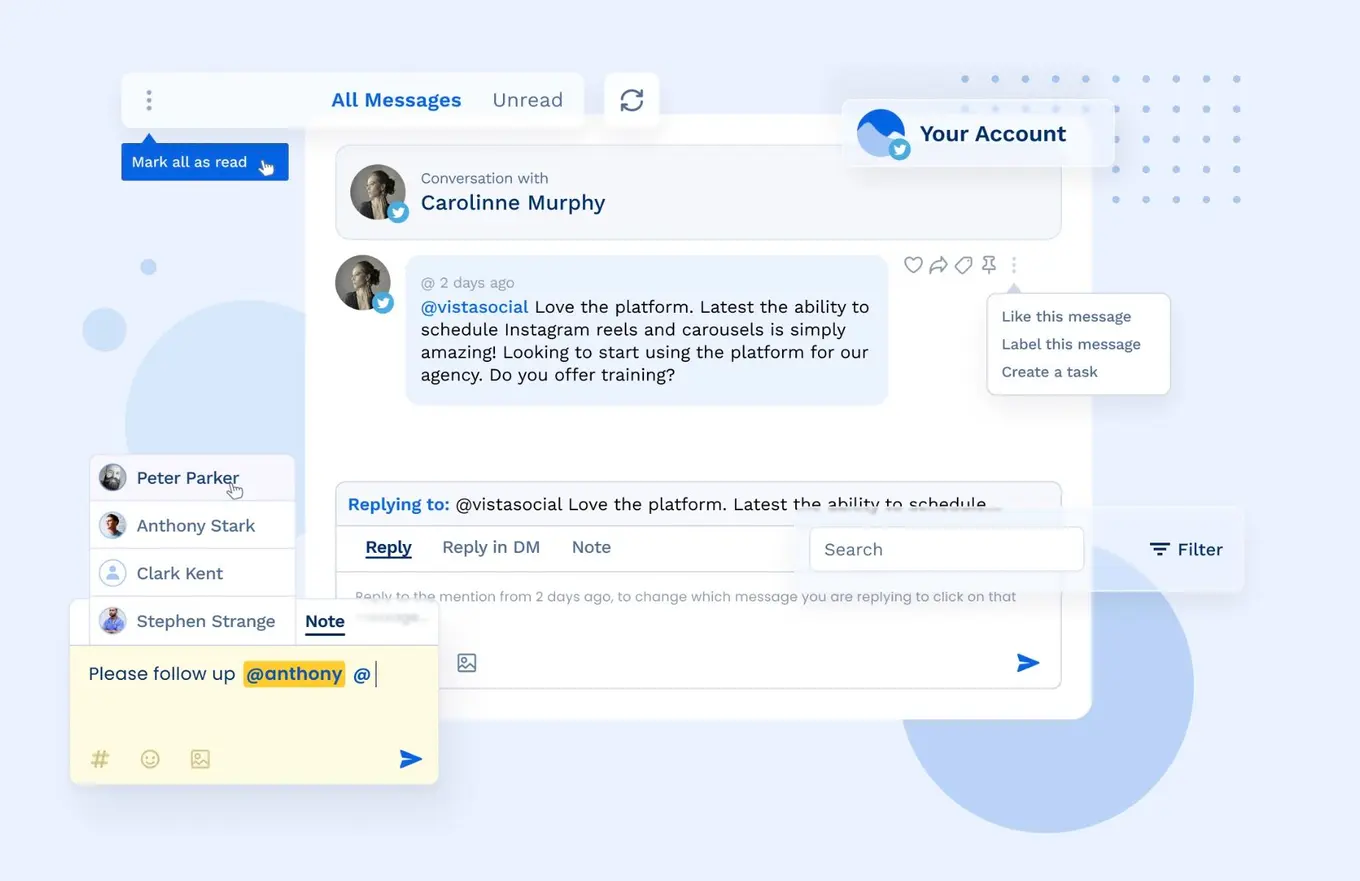
And while many tools claim to offer ‘unified’ solutions, the best unified social media inbox integrates not just basic messaging, but advanced features like task completion and real-time analytics.
FYI: Vista Social is your go-to for the most efficient and effective unified social media inbox! Try it out today for free. 🤝
About the Author

Marketing @ Vista Social
Brittany Garlin serves as the Head of Marketing at Vista Social, the leading social media suite that's pushing the boundaries of innovation. Steering the platform to achieve an impressive milestone of over 2 million connected social profiles, Brittany's expertise has been acknowledged in a recent appearance on the Social Pros podcast, where she discussed making marketing to marketers more human-centered. With a knack for strategic disruption, Brittany also redefines what it means to be a woman in the tech sector. Her thought leadership is frequently highlighted in prestigious outlets like Forbes and HubSpot.